
Goodbudget is the app I hand people when they tell me paper envelopes are too fussy but they still want the envelope feeling. It’s also the app I talk about half of them out of.
I ran it for eleven months alongside my cash binder while I was clawing my way out of credit card debt. So this is the version with the annoying parts left in: what the free plan covers, where the app got in my way, what $80 a year buys you, and the four kinds of people who shouldn’t bother.
What Goodbudget actually is, and what it won’t do
Goodbudget is envelope budgeting on your phone. You put your paycheck into named envelopes, you spend from the envelopes, and when an envelope hits zero you’re done with that category until you fill it again. Same as cash stuffing. No cash.
The part people misunderstand: on the free plan it doesn’t connect to your bank. You type in what you spend. That sounds like a dealbreaker in 2026, and for some people it is. For me it was the whole point. Typing in $9.40 for a coffee run is a small tax on the coffee run, and I bought fewer of them.
It’s been around since 2009, built by a small San Francisco outfit called Dayspring Technologies. That matters more than it sounds like it should. Budgeting apps get bought and shut down constantly, and this one has outlived most of the apps that launched with better marketing.
It won’t be your net worth dashboard, though. No investment charts, no credit score widget. If that’s what you’re after, I already wrote up the apps I keep on my phone, and Goodbudget isn’t competing with them.
The free plan: what 10 envelopes really covers
The free tier, exactly as it stands: 10 regular envelopes, 10 more envelopes for annual and goal money, 1 account, 2 devices, 1 year of history, debt tracking, community support. Free forever, no card.
Ten sounds thin. It isn’t, and I’ll die on this hill. My first month was groceries, gas, eating out, household, personal, pets, medical, fun, kid stuff, and buffer. That’s ten, and it ran my whole life.
The 10 “more” envelopes are the quiet gift. That’s where sinking funds live: car registration, Christmas, vet fund, the annual insurance bill that used to ruin every February for me. If you’ve never set those up, read my guide to setting up sinking funds before you open the app, because it’ll ask you for dollar amounts and you’ll freeze.
The free plan’s real ceiling is “1 account” and “2 devices.” One account means one pot of money in the app. If you and your partner run separate checking accounts and want both visible, you’re already past free. Two devices means you and one other person, one phone each. A tablet counts. That’s where most couples hit the wall.
The month I stopped budgeting for the woman I wished I were and started budgeting for the woman who buys gas station iced coffee, my envelopes finally balanced.
How to set up Goodbudget in about 20 minutes
I’ve walked four friends through this. It goes sideways the same way every time, so do it in this order.
- Sign up on the web, not the phone. The web version has the full editing screen. Building 20 envelopes on a phone keyboard is misery, and two of my friends quit right there before I warned them.
- Enter your real starting balance. The number sitting in checking today, before anything clears. Not your paycheck.
- Name your 10 regular envelopes after money you spend every month. Groceries, gas, eating out. If you spend on it twice a year, it belongs in the annual envelopes instead.
- Fill the annual envelopes with the bills that ambush you. Take the yearly amount, divide by 12, drop that in monthly. Car registration at $180 becomes $15 a month and stops being a crisis.
- Don’t fund envelopes you can’t fund. Leave them at zero. An envelope with a fantasy number in it is how the system loses your trust by week two.
- Log spending the same day for 14 days. Daily, not weekly, until it stops feeling like homework. After that you can get sloppy and the system survives.
My own setup took 45 minutes because I kept trying to name envelopes cleverly. “Nourishment” isn’t a category. Groceries is a category.
Where Goodbudget broke for me
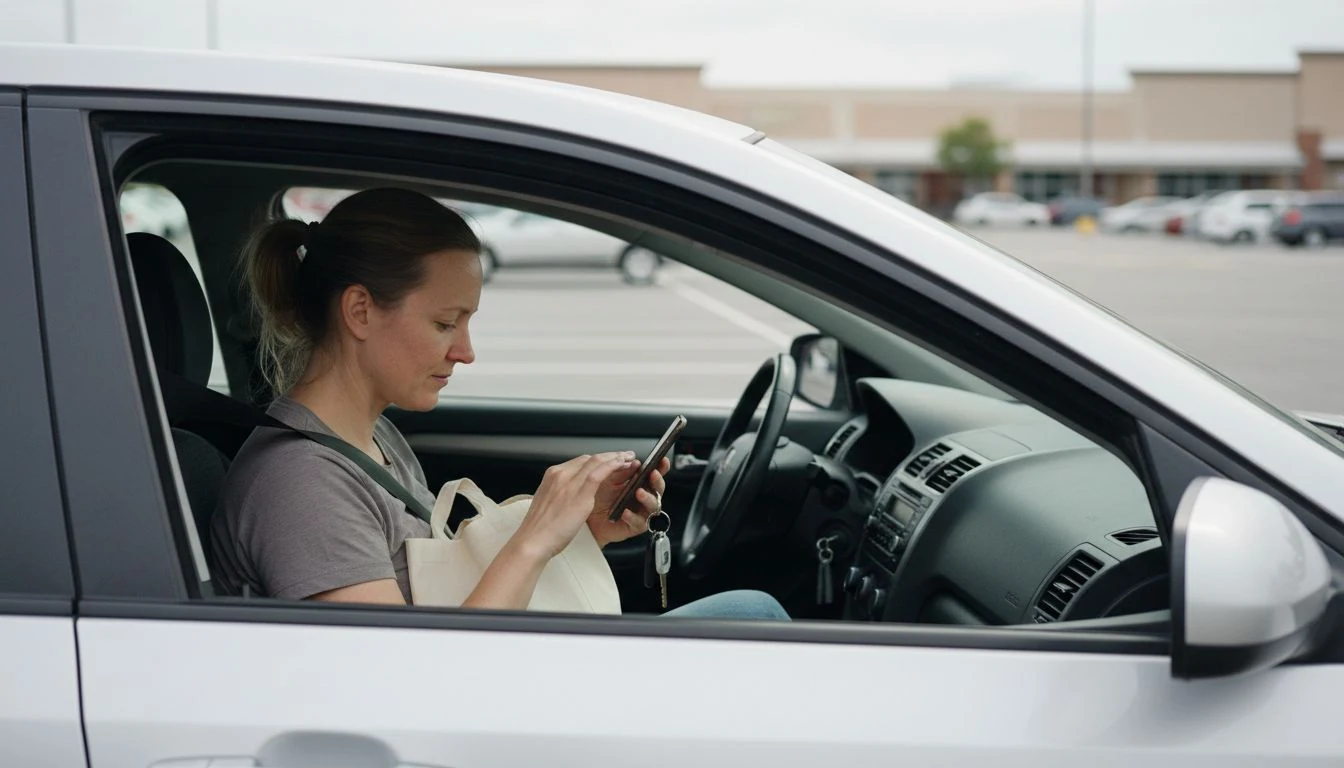
Splitting a Target receipt is a pain. One trip is groceries, household, and a birthday gift, and the app lets you split it, but you’re tapping through three amounts while standing in a parking lot. I stopped doing it properly around month three. Started rounding whole receipts into groceries, and that quietly wrecked the envelope for two months before I caught it.
Refunds are worse. A returned $62 sweater has to go back into the envelope it came from, and if you forget, your budget shows $62 less than you have. I have a whole section on this in my post about digital cash stuffing, since it’s an envelope problem more than a Goodbudget problem.
Then there’s the history limit. One year on free is short. When I went looking for what I spent last August versus this August, it was gone. Premium holds seven years, and that’s what eventually moved me. Not the envelope count.
Free or Premium: what the $80 buys
Premium runs $10 a month, or $80 a year paid up front. You get automatic bank sync (US banks only), unlimited regular envelopes, unlimited annual envelopes, unlimited accounts, 5 devices, 7 years of history, and email support instead of the community forum. Since March 2026 the sync pulls in pending transactions too, which used to be the loudest complaint about it.
And the headline feature is the one I’d tell you to leave off.
Manual entry is the friction that changes behavior. Once transactions flow in on their own, you’re reading a receipt after the fact instead of deciding anything. That’s a spending tracker, which is a fine tool doing a different job, and there are cheaper ones in my roundup of budgeting apps for 2026.
So my position: pay the $80 for the history and the account limit. Not the sync. Turn sync on in month one and you’ll never build the habit, and by month five you’ll cancel and blame the app.
Cozy tip: Run the free plan for two full paycheck cycles before you pay for anything. If you’re still logging on day 30, you’re the kind of person Premium is worth $80 to. If you quit on day 9, the $80 would’ve bought you a nicer feeling and nothing else. My free monthly budget printable is a decent place to draft your ten envelopes before you type a single one into the app.
Who should skip Goodbudget
Four groups, and I mean this kindly.
People who want investments in one view. Goodbudget doesn’t track your 401(k) or your brokerage, and it isn’t trying to.
People with wildly irregular income. Envelope apps assume you fund envelopes on a schedule. When your income swings from $1,800 to $5,400 month to month, the “fill it” step turns into a guessing game. My method for budgeting on irregular income works better on paper first.
People who’ve tried manual logging twice and hated it. Twice is data. Stop paying that tuition.
Couples who need separate accounts visible on free. One account and two devices is a hard edge. Either pay, or one of you owns the app and the other gets a weekly rundown.
How Goodbudget fits next to an actual cash binder
I ran both for most of a year and I’d do it again. Cash for the categories where my hands needed to feel the limit, which was groceries and eating out. App for anything with a card attached, so gas, subscriptions, every bill.
That split is why I didn’t quit either one. If you’re curious how the physical half works, start with cash stuffing for beginners and the rest of the cash stuffing archive. And if you want numbers on how many households are running without any plan at all, I keep the sourced version in my budgeting statistics roundup.
Worth knowing before you pay anyone: the federal walkthrough at consumer.gov on making a budget is free and covers the same math. Goodbudget sells you a delivery mechanism for a habit you still have to build.
Which plan fits your life, and where free runs out
I built this table after the fourth friend asked me the same question. Find the row that sounds like your house.
| Your situation | What fits | The limit that decides it | Cost per year |
|---|---|---|---|
| Single, one checking account, first budget ever | Free, and stay there | None of the free limits bite you | $0 |
| Couple, one joint account, two phones | Free | 2 devices is exactly two phones. A tablet breaks it | $0 |
| Couple with his, hers, and joint accounts | Premium | Free gives you 1 account and there’s no way around it | $80 |
| You want to compare this August to last August | Premium | 1 year of history versus 7 | $80 |
| More than 10 monthly categories, and you’ve tried trimming | Premium | 10 regular envelopes | $80 |
| You want transactions to appear without typing | Reconsider the whole app | Sync is Premium only, and it removes the friction that works | $80, poorly spent |
Three mistakes I made so you can skip them
- I funded envelopes with money I didn’t have yet. Dropped my projected paycheck in on the 28th, spent against it, got paid on the 3rd. Two days of phantom money is all it takes to blow up the numbers.
- I made 18 envelopes on day one. Free gives you 10 regular, so I split hairs into the annual ones to cheat the limit, then couldn’t remember which envelope a drugstore run belonged to. Ten broad envelopes beat eighteen precise ones.
- I skipped the buffer envelope. Every month has a $40 thing you didn’t predict. With no buffer, that $40 comes out of groceries and you decide the budget failed. It didn’t. You just had no slack in it.
Frequently Asked Questions
Is Goodbudget really free?
Yes, and there’s no trial clock on it. The free plan gives you 10 regular envelopes, 10 annual envelopes, 1 account, 2 devices, and 1 year of history, forever, with no card on file. Premium at $10 a month or $80 a year is optional.
Does Goodbudget connect to my bank?
Only on Premium, and only for US banks. The free plan is manual entry, which is the version I’d point anyone toward while they’re building the habit. Since March 2026 the Premium sync also pulls pending transactions, not just posted ones.
Is Goodbudget better than YNAB?
They’re doing different jobs. YNAB is stricter, has a steeper learning curve, and costs several times more. Goodbudget is the gentler envelope system and has a real free tier, which YNAB doesn’t. If you’ve failed at budgeting twice, start here and graduate later if you ever feel boxed in.
Can my partner and I share a Goodbudget budget?
Yes. The free plan covers 2 devices, so you and one other person can each see and edit the same budget from your own phone. Premium raises that to 5 devices, which is what families with older kids end up needing.
What happens to my data if I stop paying for Premium?
Your budget stays and drops back to free-plan limits, so plan around the 1 year of history and the single account before you cancel. Export anything you want to keep first. What your money is doing matters more than which app is holding it, which is the idea behind the free tools at MyMoney.gov.
Grab my free Monthly Budget Template
The same cozy spreadsheet I use to track every dollar — sinking funds, bills, and savings, all in one place. Join the newsletter and I’ll send it straight to your inbox.
No spam, ever. Unsubscribe anytime. — Nora
Keep reading — more on Cash Stuffing