
This PocketGuard review comes from someone who paid off $14,000 of credit card debt with paper envelopes and a pencil. I spent a month letting an app do the math my binder used to do, and I went in expecting to hate it.
I didn’t hate it. I also didn’t move in. Readers email me some version of “I love envelopes, but I pay for everything with a card,” and PocketGuard is the app people keep naming for that problem. It’s built around the question my envelopes answer: how much can I spend right now without wrecking anything?
How I tested: the 7-day trial, then one paid month, with my checking account and one credit card linked and my cash binder running alongside. Any app numbers below are examples I made up to show the math, not my real balances. If you’re newer to all this, my budgeting guides cover the basics first.
What the PocketGuard budget app does day to day
The PocketGuard budget app pulls in your transactions from linked accounts, sorts them into categories, finds your recurring bills, and then tells you what’s left. It runs on iPhone, Android, Apple Watch, and the web, and it syncs between them.
The features I used the most during my month:
- Leftover. The big number on the home screen. Older reviews call it “In My Pocket.” It’s your money after bills, goals, and budgeted essentials are set aside.
- Pace. A forecast of where your spending lands by the end of the month, based on your history and your habits so far.
- Rollover budgets. If you underspend groceries, the extra carries into next month’s grocery budget. Overspend, and next month shrinks.
- Recurring. It spotted my subscriptions and bills on its own, which took about two minutes instead of the evening I spent doing it by hand back in my debt days.
You can also pick a budgeting style. PocketGuard lists category budgeting, zero-based, the 50/30/20 split, and envelope-style limits. I set it up envelope-style, obviously.
My PocketGuard review of the Leftover number
This is the feature people buy the app for. And it’s good.
An example, with made-up numbers. Say $3,200 comes in this month. Rent and bills are $1,650. You’ve told the app to set aside $300 for groceries, $150 for gas, and $200 toward a vacation goal. PocketGuard subtracts all of it and shows you roughly $900 as Leftover. That’s the money you can spend on a Tuesday-night pizza without stealing from the electric bill.
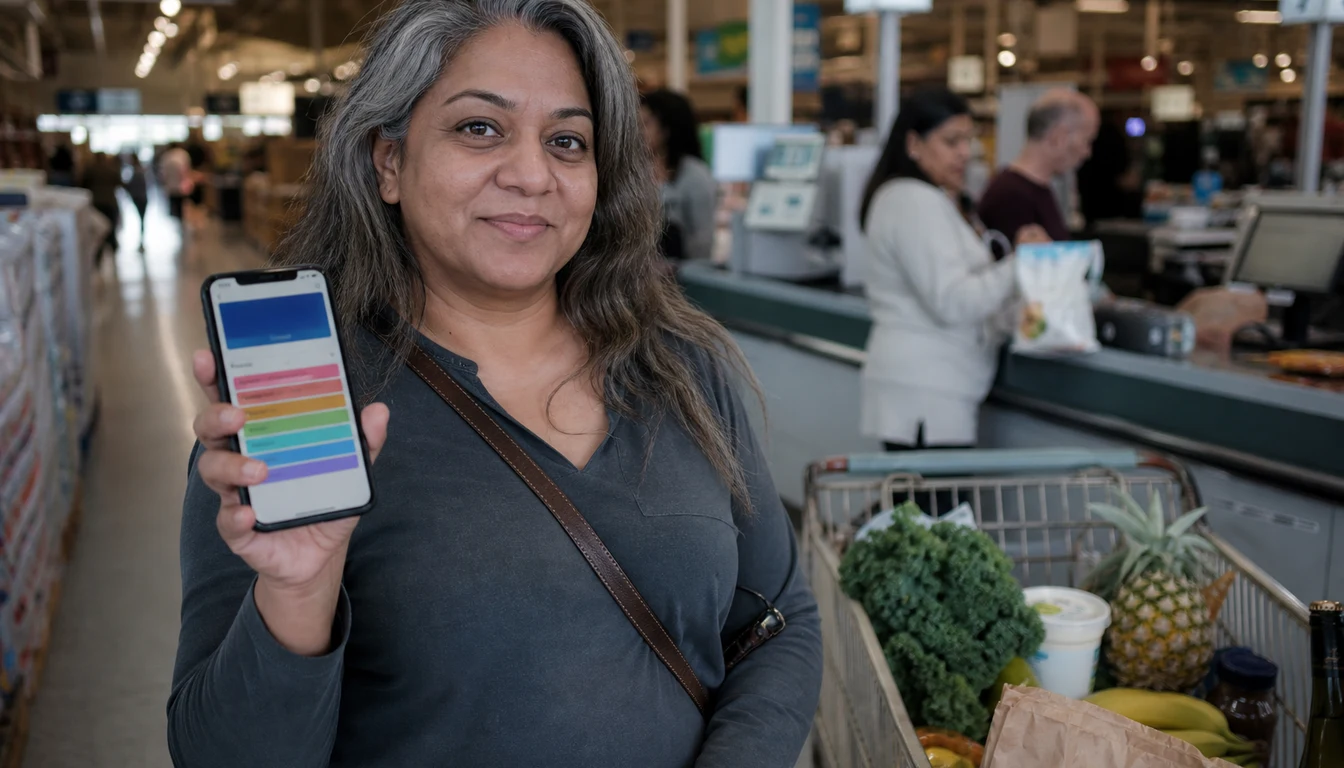
The first time I checked it for real, I was in line at Trader Joe’s holding a $7 bunch of flowers I didn’t need. I opened the app, looked at the number, and bought the flowers anyway, because the number said I could. That felt different from the old version of me who bought flowers on a card and found out in three weeks.
The best thing a budget can do is make “can I afford this?” a five-second question.
My complaint is the flip side of that. Leftover is only as honest as what you’ve fed it. In week one I hadn’t added my sinking funds as goals, so the app showed about $180 more than I had free. If I hadn’t had the binder as a cross-check, I’d have spent the Christmas money on a Saturday at Target.
Fix it on day one: every sinking fund goes in as a goal before you trust the big number.
PocketGuard pricing in 2026: the trial and the Plus plan
I read the PocketGuard pricing page and the app’s App Store listing this week, and this is what they say:
- Free trial: 7 days.
- Monthly: $12.99 a month, which comes to $155.88 a year.
- Yearly: $74.99 billed once, which works out to $6.25 a month.
The paid plan is called PocketGuard Plus in the help center and the App Store, and “Premium” on the pricing page. Same thing. I didn’t see a free tier listed on the pricing page, so plan on paying after the trial if you like it. Subscriptions renew on their own unless you cancel at least 24 hours before the period ends.
My take on the math: if you’re going to keep it, monthly is the worst deal. Twelve months at $12.99 runs about twice the yearly price. I’d do the trial, then one paid month, and only buy the yearly plan once you’ve opened the app most days for 30 days in a row.
For comparison, I paid $80 a year for Goodbudget Premium mostly for the longer history. I broke down what that buys in my Goodbudget review.
Bank syncing and privacy: what you’re signing up for
This is the part I care about most, because linking a bank account to an app is a real decision.
According to PocketGuard’s security page, it connects through data partners (Plaid, Finicity, Salt Edge, and Apple Wallet), doesn’t store your bank login, and gets read-only access. Read-only means it can see your purchases and amounts but can’t move money. The app locks with a PIN or Face ID. It works in the US, Canada, and the UK.
My bank connected in under a minute. My credit card needed one re-login during the month, which seems normal for these connections.
The Consumer Financial Protection Bureau finalized a rule on personal financial data rights in October 2024, covering how banks share your data with apps you authorize, and opened it back up for reconsideration in August 2025. I’d read that page once if you want to know what rights you have here.
A few habits I’d keep no matter which app you pick:
- Link only the accounts you budget from. I left my savings account and 401(k) off. The app didn’t need them to tell me what I could spend.
- Turn on the PIN. Your phone is unlocked in a grocery line more than you think.
- Know how to leave. Before you link anything, find the cancel and delete-data options in the app’s settings. I looked mine up first.
And if linking feels wrong to you, that’s allowed. PocketGuard lets you run cash accounts and type in transactions without linking a bank, though at that point you’re paying for a manual app.
The debt payoff plan, from someone who did it on paper
When I was paying down my $14,000, my debt plan was a sheet of notebook paper taped inside a kitchen cabinet. Each card, its balance, and a column where I crossed off payments.
PocketGuard’s debt payoff planner builds a plan from your balances, lets you compare strategies, and shows a debt-free date. I tested it with a made-up set of debts, a $6,200 card, a $4,100 card, a $2,300 card, and a $1,400 store card, and switched between paying the smallest balance first and the highest interest first.
Watching the debt-free date jump when I added a fake extra $100 a month did something to my brain. I wish I’d had that during my debt years. The taped sheet of paper never once told me “you’ll be done in March.”
What it can’t do is make you send the payment. My paper version worked because I looked at it every time I opened the cabinet for coffee. If you’re the type who stops opening an app after two weeks, a sheet of paper on the fridge may beat it.
How I’d set up PocketGuard if I started over
I did my setup in the wrong order and spent week one fixing categories. This is the order I’d use now:
- Link one checking account first. Add cards after you’ve seen how it sorts a week of spending.
- Confirm the recurring bills it finds. It caught nine of mine. Two were wrong, an old gym charge and a one-time Amazon order it thought was a subscription.
- Add every sinking fund as a goal. Car registration, Christmas, vet, annual insurance. This is what keeps Leftover honest.
- Set category limits to what you spend now. Not what you wish you spent. Trim later.
- Write two or three transaction rules. I made one so Venmo payments to my sister stopped landing in “shopping.”
- Check Leftover before you buy something, not after. That one habit is the whole app.
Total setup time for me was about 50 minutes, plus maybe 10 minutes of fixes over the next few days.
Cozy tip: Before you start the 7-day trial, write your sinking funds and monthly bills on paper first. Then setup is copying, not thinking, and you’ll use more of the trial seeing how it fits your life. Our free monthly budget printable has a spot for both if you want somewhere to start.
PocketGuard review verdict: who should pay and who should skip it
After a month, I’m keeping my binder and canceling the app. That has more to do with my habits than with anything PocketGuard gets wrong.
PocketGuard is good for someone who spends almost everything by card, has bills scattered across a few accounts, and mostly needs one honest number before buying things. If you’ve never budgeted, it’s a gentle start, because it does the sorting for you. It’s also good if you have a bunch of subscriptions you’ve lost track of.
Skip it, or try something else first, if you’re like me in my debt year. Automatic syncing meant I read my spending after the fact. Typing every purchase into Goodbudget, or counting cash from an envelope, made me decide before I spent. When I was trying to break a habit, that friction did the work. If you want a strict give-every-dollar-a-job method, YNAB is built around that. And if you’re still choosing, I compared the bigger names in my roundup of budgeting apps for 2026.
Whatever you choose, pick the tool you’ll still open in month three. And if you’re curious how other households handle money, my page of budgeting statistics rounds up the surveys I trust.
PocketGuard review at a glance: vs Goodbudget and paper envelopes
The three systems I’ve used, side by side:
| PocketGuard | Goodbudget | Paper envelopes | |
|---|---|---|---|
| Cost | 7-day trial, then $12.99/mo or $74.99/yr | Free plan; Premium $10/mo or $80/yr | Envelopes and a pen, about $5 |
| Bank sync | Yes, read-only, US, Canada, UK | Premium only, US banks | None |
| How you see what’s left | One Leftover number | A balance per envelope | Cash you can count |
| Effort per purchase | Close to zero | Type it in, a few seconds | Hand over cash, update the slip |
| Debt payoff help | Built-in planner with debt-free date | Debt tracking | Whatever you tape to the cabinet |
| Best for | Card spenders who want one honest number | Envelope lovers who don’t want cash | Breaking an overspending habit |
Three mistakes to skip if you try it
- Trusting Leftover before your goals are in. Without sinking funds added, the number runs high, and mine was off by about $180 in week one.
- Paying monthly for a year by accident. Twelve months at $12.99 is $155.88, roughly double the $74.99 yearly price.
- Letting sync replace your check-in. The app collects everything for you, so set a five-minute Sunday look or the month slips by.
Frequently Asked Questions
Is PocketGuard free?
Not long term, from what I saw this month. The App Store listing shows a 7-day free trial, then $12.99 a month or $74.99 a year. I didn’t find a free tier listed.
Is PocketGuard safe to link to my bank?
PocketGuard says it connects through Plaid, Finicity, Salt Edge, and Apple Wallet, doesn’t store your bank login, and only gets read-only access, so it can’t move money. You can add a PIN or Face ID. Link only the accounts you budget from if you want to keep it small.
What happened to “In My Pocket” in PocketGuard?
The app now calls it Leftover. It’s the same idea: the money you can spend after bills, goals, and budgeted essentials are set aside. It sits as the big number on the home screen.
Can you use PocketGuard without linking a bank account?
Yes. You can create cash accounts and add transactions by hand. At that point you’re paying for features a free manual app like Goodbudget also gives you, so I’d only do it if you love the rest of PocketGuard.
Is PocketGuard better than YNAB?
They do different jobs. PocketGuard shows you one safe-to-spend number and does most of the work for you. YNAB asks you to assign every dollar a job by hand, which takes more time and, for me, built a stronger habit. If you want a quick answer at the checkout line, PocketGuard fits better.
Grab my free Monthly Budget Template
The same cozy spreadsheet I use to track every dollar — sinking funds, bills, and savings, all in one place. Join the newsletter and I’ll send it straight to your inbox.
No spam, ever. Unsubscribe anytime. — Nora
Keep reading — more on Budgeting Methods